Email Provider Configuration
To send emails on your behalf, PaidCommunities needs to connect to your email service provider. This guide will walk you through setting up and configuring your email provider.
Selecting Your Provider
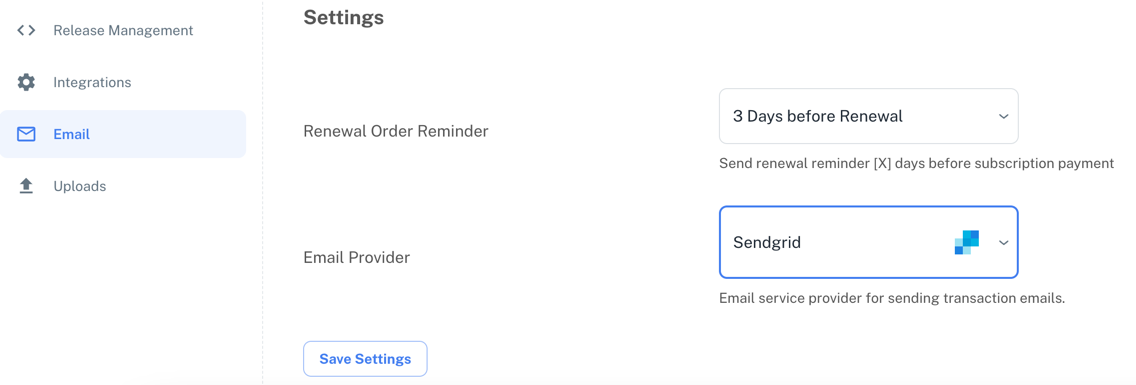
Navigate to the Email Settings page and use the Email Provider dropdown to specify your provider:
Provider Setup
1. Access Integrations
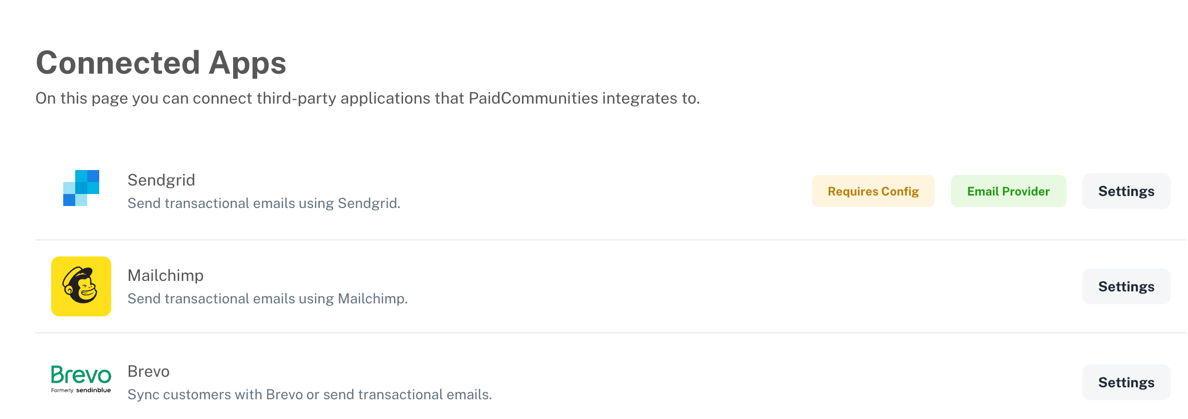
Go to PaidCommunities > Integrations to configure your email provider:

2. Configure Provider
Click the Settings button for your email provider and enter your API key. This allows PaidCommunities to securely send emails through your provider.
Missing Configuration
If your selected email provider isn't properly configured, you'll see this notice:
note
Don't see your email provider listed? Contact us at support@paidcommunities.com to request additional provider support.
Next Steps
Once you've configured your email provider, you can: